Creating your accounts on DevPanel
Creating a DevPanel account
Go to the URL provided to you by your account manager and sign up using the following screen.
Sign up
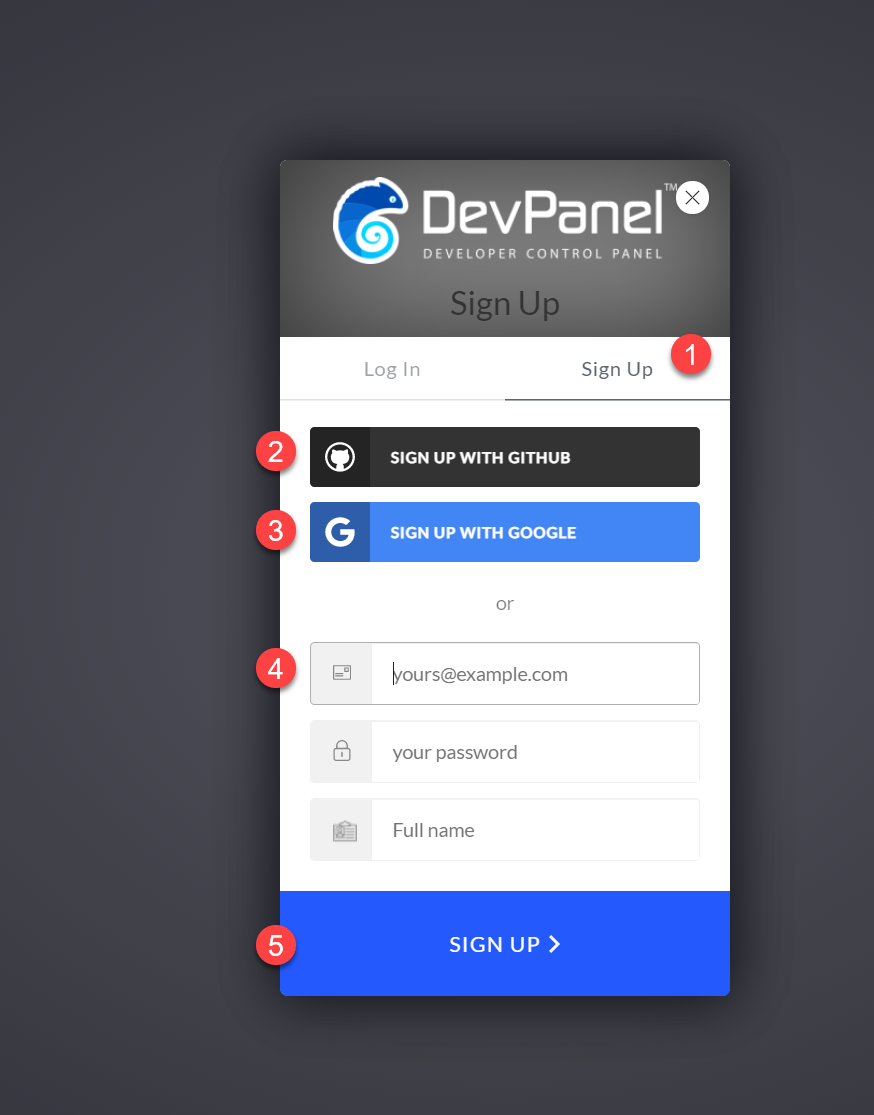
Process:
- Select "Sign Up"
- use your GitHub account
- sign up with your Google account
- or sign up with your email address
- click "SIGN UP"
You will get an email with a confirmation link that you'll have to click to activate your account.
Once you've activated your account, you will see the workspaces that you have access to.
If you do not see any workspaces after logging in, contact your support team for access.